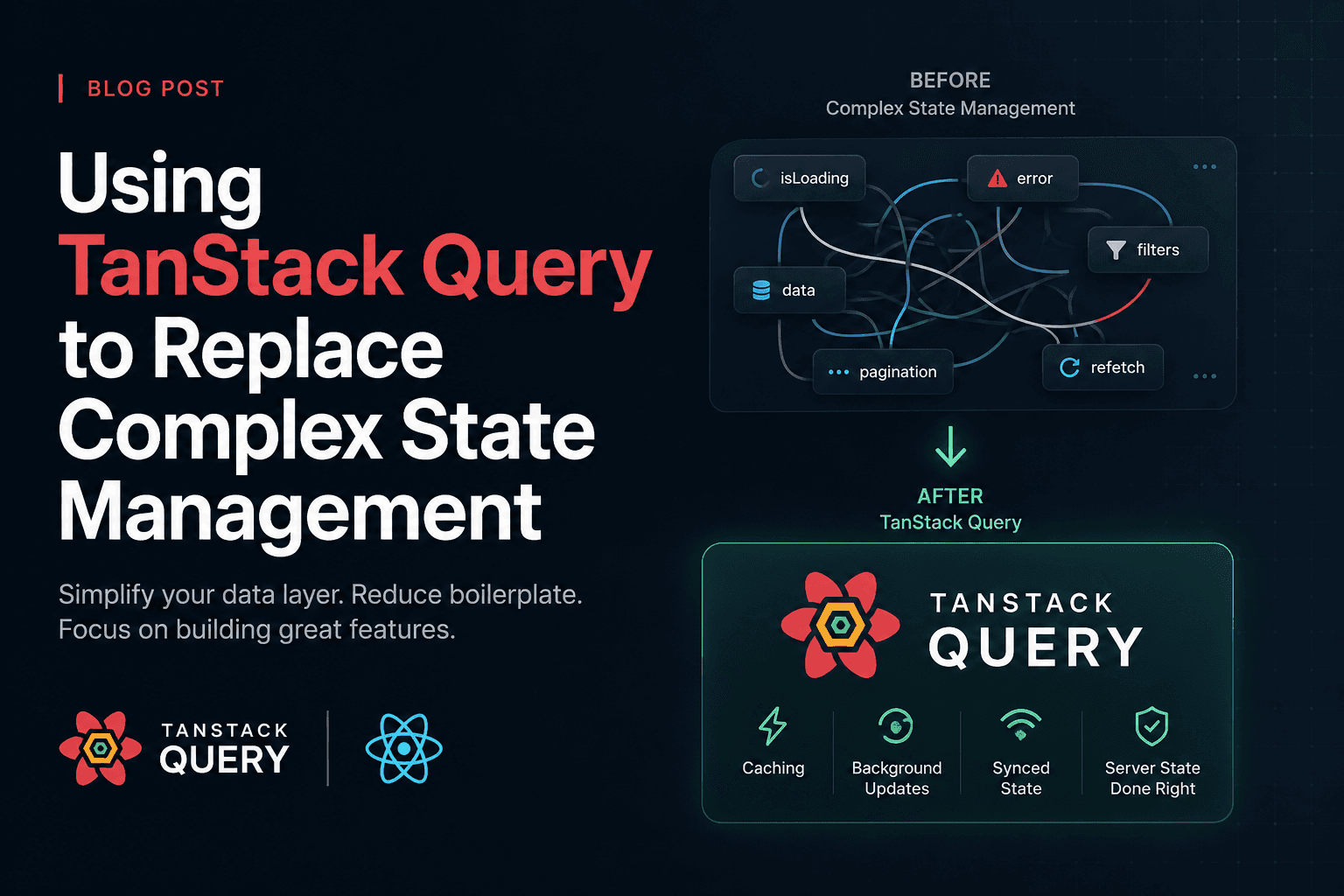
Using TanStack Query to Replace Complex State Management
I've seen the same Redux slice in three different codebases: isLoading, error, data, and an action creator for every possible transition between them. Fetch starts, dispatch FETCH_USERS_REQUEST. Fetch succeeds, dispatch FETCH_USERS_SUCCESS. Fetch fails, dispatch FETCH_USERS_FAILURE. Multiply that by every endpoint in your app and you get a state management layer that exists purely to shuttle server responses into the store.
That's not state management. That's boilerplate pretending to be architecture.
The real problem: two kinds of state, one tool
Most apps mix two completely different categories of state and treat them the same way:
- Client state — UI toggles, form inputs, modal visibility, theme preference. This lives only in the browser and only you control when it changes.
- Server state — data that lives on a server, that you don't own, that can go stale the moment another user or another tab touches it.
Redux (and Zustand, and Context + useReducer) are built for client state. They're synchronous, predictable, and give you full control over transitions. Server state breaks all three assumptions:
- It's asynchronous by nature.
- It can be stale before your component even renders.
- Multiple components often want the same data, and you don't want five separate fetches for it.
When you force server state into a client-state tool, you end up re-implementing caching, deduplication, retries, and background refetching by hand — badly, because that wasn't the problem the tool was designed to solve.
What TanStack Query actually does
TanStack Query (formerly React Query) is not a state manager in the Redux sense. It's a data synchronization layer. You give it a key and a function that fetches data, and it handles:
- Caching by key, so identical requests across components share one fetch
- Deduplication of in-flight requests
- Background refetching on window focus or reconnect
- Retries with exponential backoff
- Loading and error states, derived automatically — you never dispatch them yourself
The mental model shift is the important part: you stop asking "how do I update the store when this request finishes?" and start asking "what data does this component need, and how fresh does it need to be?"
Setting it up
Install it and wrap your app with a provider once:
npm install @tanstack/react-query
// app/providers.tsx
'use client'

import { QueryClient, QueryClientProvider } from '@tanstack/react-query'
import { useState } from 'react'

export function AppProviders({ children }: { children: React.ReactNode }) {
  const [queryClient] = useState(
    () =>
      new QueryClient({
        defaultOptions: {
          queries: {
            staleTime: 60 * 1000, // data is "fresh" for 1 minute
            retry: 1,
          },
        },
      })
  )

  return <QueryClientProvider client={queryClient}>{children}</QueryClientProvider>
}
That's the entire setup. No slices, no middleware, no combineReducers.
Replacing a Redux fetch flow
Here's a typical Redux setup for loading a user's projects — the kind of code I've deleted more times than I can count:
// ❌ Redux: three action types, a reducer, and a thunk just to fetch a list
const projectsSlice = createSlice({
  name: 'projects',
  initialState: { data: [], loading: false, error: null },
  reducers: {},
  extraReducers: (builder) => {
    builder
      .addCase(fetchProjects.pending, (state) => {
        state.loading = true
        state.error = null
      })
      .addCase(fetchProjects.fulfilled, (state, action) => {
        state.loading = false
        state.data = action.payload
      })
      .addCase(fetchProjects.rejected, (state, action) => {
        state.loading = false
        state.error = action.error.message
      })
  },
})

export const fetchProjects = createAsyncThunk('projects/fetch', async (userId: string) => {
  const res = await fetch(`/api/users/${userId}/projects`)
  if (!res.ok) throw new Error('Failed to fetch projects')
  return res.json()
})
And the component still has to dispatch it, select it, and handle the timing:
// ❌ Component still manages the fetch lifecycle manually
function ProjectsList({ userId }: { userId: string }) {
  const dispatch = useDispatch()
  const { data, loading, error } = useSelector((state: RootState) => state.projects)

  useEffect(() => {
    dispatch(fetchProjects(userId))
  }, [dispatch, userId])

  if (loading) return <Spinner />
  if (error) return <ErrorMessage message={error} />
  return (
    <ul>
      {data.map((p) => (
        <li key={p.id}>{p.name}</li>
      ))}
    </ul>
  )
}
Now the same thing with TanStack Query:
// ✅ TanStack Query: fetch, cache, and states in one hook
import { useQuery } from '@tanstack/react-query'

function ProjectsList({ userId }: { userId: string }) {
  const { data, isLoading, error } = useQuery({
    queryKey: ['projects', userId],
    queryFn: async () => {
      const res = await fetch(`/api/users/${userId}/projects`)
      if (!res.ok) throw new Error('Failed to fetch projects')
      return res.json()
    },
  })

  if (isLoading) return <Spinner />
  if (error) return <ErrorMessage message={error.message} />
  return (
    <ul>
      {data.map((p) => (
        <li key={p.id}>{p.name}</li>
      ))}
    </ul>
  )
}
No slice. No thunk. No dispatch. If another component on the page also calls useQuery(['projects', userId]), it reuses the same cached data instead of firing a second request.
Mutations work the same way
Updating data follows the same pattern, and you get cache invalidation for free:
import { useMutation, useQueryClient } from '@tanstack/react-query'

function useCreateProject(userId: string) {
  const queryClient = useQueryClient()

  return useMutation({
    mutationFn: async (name: string) => {
      const res = await fetch(`/api/users/${userId}/projects`, {
        method: 'POST',
        body: JSON.stringify({ name }),
      })
      return res.json()
    },
    onSuccess: () => {
      queryClient.invalidateQueries({ queryKey: ['projects', userId] })
    },
  })
}
invalidateQueries tells TanStack Query "this data is stale, refetch it the next time it's used." That single line replaces a whole class of "did I forget to update the store after this mutation" bugs.
Common mistakes
- ❌ Putting server data in Redux "just in case." If a value comes from an API, it doesn't belong in your global client store. Let the query cache own it.
- ❌ Using a
useEffect+useStatecombo instead ofuseQuery. This is the pattern TanStack Query exists to replace — you lose caching, retries, and deduplication for nothing. - ❌ Forgetting
queryKeyuniqueness.['projects']and['projects', userId]are different caches. If your key doesn't include every variable the query depends on, you'll serve one user's data to another. - ❌ Treating
isLoadingas "no data yet." UseisPendingvsisFetchingcorrectly —isFetchingis true during background refetches too, and showing a full-page spinner for those creates a jarring UX.
Best practices
- Keep client state and server state in separate tools. Zustand or Context for UI state, TanStack Query for anything that comes from a server.
- Set
staleTimedeliberately. The default of0refetches aggressively. For data that doesn't change often (user profile, settings), a few minutes of staleness is usually fine and cuts network chatter significantly. - Colocate query keys with the queries that use them. A
queries/projects.tsfile exporting auseProjectsQuery(userId)hook is easier to maintain than scattering rawuseQuerycalls across components. - Use
selectto shape data, not extrauseEffects. If you need a derived value, transform it inside the query itself:
useQuery({
  queryKey: ['projects', userId],
  queryFn: fetchProjects,
  select: (data) => data.filter((p) => !p.archived),
})
- Prefetch on hover or route transition for pages you know the user is about to visit.
queryClient.prefetchQuerymakes navigation feel instant without extra state management.
What to do next
If you're maintaining a Redux store today, don't rewrite everything at once. Pick one slice that's purely server data — the one with the most pending/fulfilled/rejected boilerplate — and replace it with a single useQuery call. Delete the reducer, the thunk, and the selectors. Measure how much code disappeared.
Do that for every "fetch and store" slice in your app, and you'll likely find your Redux store shrinks down to what it was always meant to hold: real client state. That's a good sign your architecture finally matches the shape of your data.