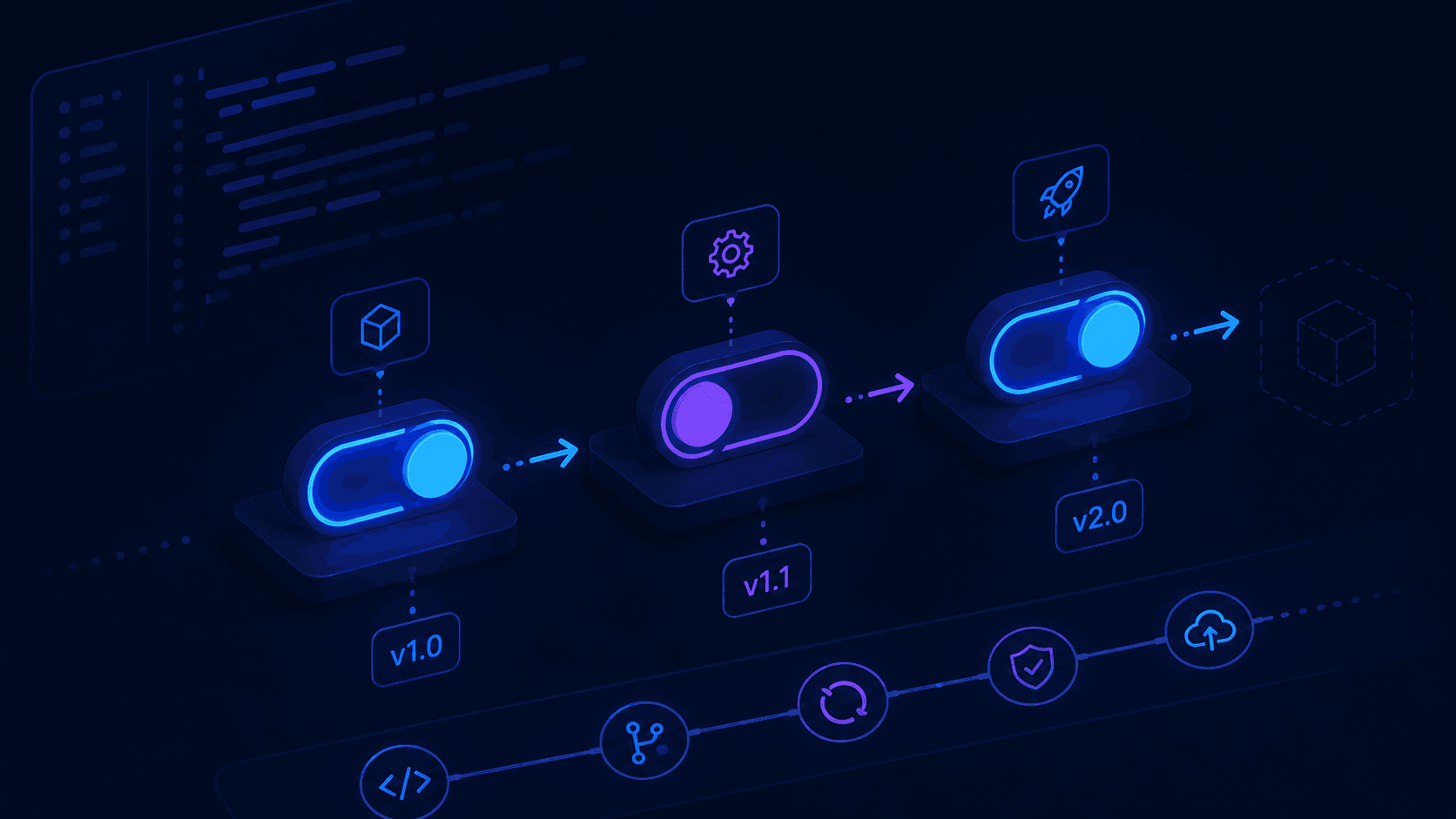
Feature Flags in Frontend: Ship Code, Release When Ready
You merged the code. The feature is deployed. But the business isn't ready to launch it yet.
Without feature flags, your options are: hold the merge, or accept the risk. With feature flags, you ship the code and flip a switch when you're ready.
What Is a Feature Flag?
A feature flag (also called a feature toggle) is a conditional that controls whether a feature is visible or active.
if (flags.newCheckout) {
  return <NewCheckoutFlow />
}

return <LegacyCheckout />
That's it. The feature lives in production. Nobody sees it until you enable the flag.
Why It Matters
| Without flags | With flags |
|---|---|
| Wait to merge | Merge anytime |
| Risky deploys | Gradual rollouts |
| All users get the change | Control who sees what |
| Rollback = redeploy | Rollback = flip the switch |
Teams that ship continuously use feature flags to decouple deployment from release.
The Simplest Implementation
Start with environment variables. No libraries, no complexity.
// lib/flags.ts
export const flags = {
  newCheckout: process.env.NEXT_PUBLIC_FLAG_NEW_CHECKOUT === 'true',
  betaDashboard: process.env.NEXT_PUBLIC_FLAG_BETA_DASHBOARD === 'true',
}
// components/Checkout.tsx
import { flags } from '@/lib/flags'

export default function Checkout() {
  if (flags.newCheckout) {
    return <NewCheckoutFlow />
  }

  return <LegacyCheckout />
}
Set the variable in your CI/CD pipeline or .env.local:
NEXT_PUBLIC_FLAG_NEW_CHECKOUT=true
This works well for per-environment toggles (staging vs production). The downside: changing a flag requires a redeploy.
Runtime Flags With React Context
For flags that change without redeploying, fetch them at runtime and expose them via context.
// lib/flags-context.tsx
'use client'

import { createContext, useContext } from 'react'

type Flags = {
  newCheckout: boolean
  betaDashboard: boolean
}

const FlagsContext = createContext<Flags>({ newCheckout: false, betaDashboard: false })

export function FlagsProvider({ flags, children }: { flags: Flags; children: React.ReactNode }) {
  return <FlagsContext.Provider value={flags}>{children}</FlagsContext.Provider>
}

export function useFlags() {
  return useContext(FlagsContext)
}
Fetch the flags server-side and inject them at the layout level:
// app/[locale]/layout.tsx
import { FlagsProvider } from '@/lib/flags-context'

async function getFlags() {
  const res = await fetch('https://your-flags-api.com/flags', { next: { revalidate: 60 } })
  return res.json()
}

export default async function RootLayout({ children }) {
  const flags = await getFlags()

  return (
    <html>
      <body>
        <FlagsProvider flags={flags}>{children}</FlagsProvider>
      </body>
    </html>
  )
}
Now any component can read flags without prop drilling:
'use client'

import { useFlags } from '@/lib/flags-context'

export default function Header() {
  const { betaDashboard } = useFlags()

  return <nav>{betaDashboard && <a href="/beta">Beta Dashboard</a>}</nav>
}
Third-Party Tools
When you need user targeting, A/B testing, or a UI to manage flags without touching code, use a dedicated service.
| Tool | Strengths |
|---|---|
| LaunchDarkly | Enterprise, powerful targeting |
| GrowthBook | Open-source, A/B testing built in |
| Unleash | Self-hostable, good for teams |
| Vercel Flags | Native Next.js integration |
| Flagsmith | Simple, generous free tier |
Example with Vercel Flags
import { flag } from '@vercel/flag/next'

export const newCheckoutFlag = flag<boolean>({
  key: 'new-checkout',
  defaultValue: false,
  decide() {
    return false
  },
})
// app/checkout/page.tsx
import { newCheckoutFlag } from '@/flags'

export default async function CheckoutPage() {
  const showNewCheckout = await newCheckoutFlag()

  return showNewCheckout ? <NewCheckoutFlow /> : <LegacyCheckout />
}
Common Mistakes
1. Leaving flags in code forever
// ❌ Flags accumulate and nobody removes them
if (flags.oldFeatureFromQ1) { ... }
if (flags.experimentFromLastYear) { ... }
// ✅ Set a cleanup date when you create the flag
// TODO: remove this flag after 2026-07-01
if (flags.newCheckout) { ... }
2. Nesting flags inside flags
// ❌ Unreadable and hard to debug
if (flags.featureA) {
  if (flags.featureB) {
    if (flags.featureC) { ... }
  }
}
Refactor: one flag per feature, composable at the component level.
3. Exposing server-only flags to the client
// ❌ Exported to client — leaks internal config
export const flags = {
  adminPanel: process.env.ADMIN_FEATURE_FLAG === 'true',
}
Use NEXT_PUBLIC_ only for flags that are safe to expose. Keep sensitive toggles server-side.
4. No default value
// ❌ Crashes if flags are undefined
if (flags.newCheckout) { ... }
// ✅ Safe default
const { newCheckout = false } = useFlags()
When to Use Feature Flags
Use when:
- Feature is large and spans multiple PRs
- Business needs to control the release timing
- You want a gradual rollout (10% → 50% → 100%)
- Running an A/B experiment
- Feature is risky and you need a kill switch
Avoid when:
- The feature is small and self-contained
- You're adding flags for everything (adds maintenance burden)
- The flag never gets removed (it becomes dead code)
What to Do Next
- Add a simple
lib/flags.tsto your current project - Identify one in-progress feature that would benefit from a flag
- Set a policy for flag cleanup (maximum lifespan, owner, removal PR)
- If your team ships often, evaluate GrowthBook or Vercel Flags
Feature flags separate when you ship from when users see it.
That's not just a deployment trick — it's a discipline that makes teams faster and releases safer.